HELP
Help & Contact
1. Pick a photo
From Pick a Photo on Home, choose a photo on your device or take one with the camera. Crop, black and white, stronger lines, brightness and contrast make it easier to copy.
2. Grid and paper
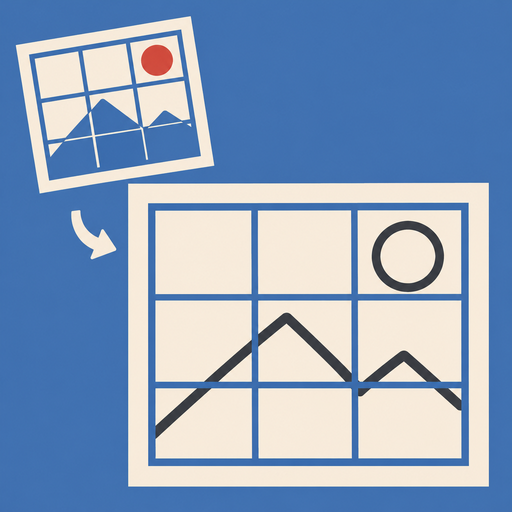
- Choose the number of squares, and square or proportional. Diagonals, color and width can be changed
- Pick a paper to see the square size in mm. For a landscape photo, the paper is turned sideways
- Squares are labeled like A1 and B2. Tap a square to see it large and mark the ones you've finished
3. Print the paper grid
Paper Grid PDF exports the grid for your paper size, with margins and labels. Print it and skip ruling the lines.
4. Light box
Opening Light Box sets brightness to maximum and keeps the screen on (restored when you close it). When tracing with paper on top, tap Lock Screen Touch so paper or fingers don't move the reference. Unlock with a two-finger long press for 2 seconds. Guided Access on iPhone and iPad also disables other buttons (Settings → Accessibility → Guided Access).
5. Camera overlay
Put your device on a stand looking down at the paper and open Camera Overlay. The reference appears semi-transparent over the camera view; adjust position, size and angle with your fingers, lock it, and copy onto the paper.
FAQ
The square size doesn't match my paper
Drawing paper and canvas sizes are typical values and can differ by a few mm. Measure your paper and enter it as your own paper.
Are my photos sent anywhere?
No. Photos stay on your device and in your iCloud (if you use it). Camera video is never saved or sent.
Contact
ryo.tsuzukihashi@tsuzukit.com (Japanese or English)
 ますうつし